Online Car Paint & Vinyl Wrap Visualizer
CarRim Engineering Team · Automotive computer-vision and rendering engineers behind CarRim Studio (Web & iOS)Last updated:
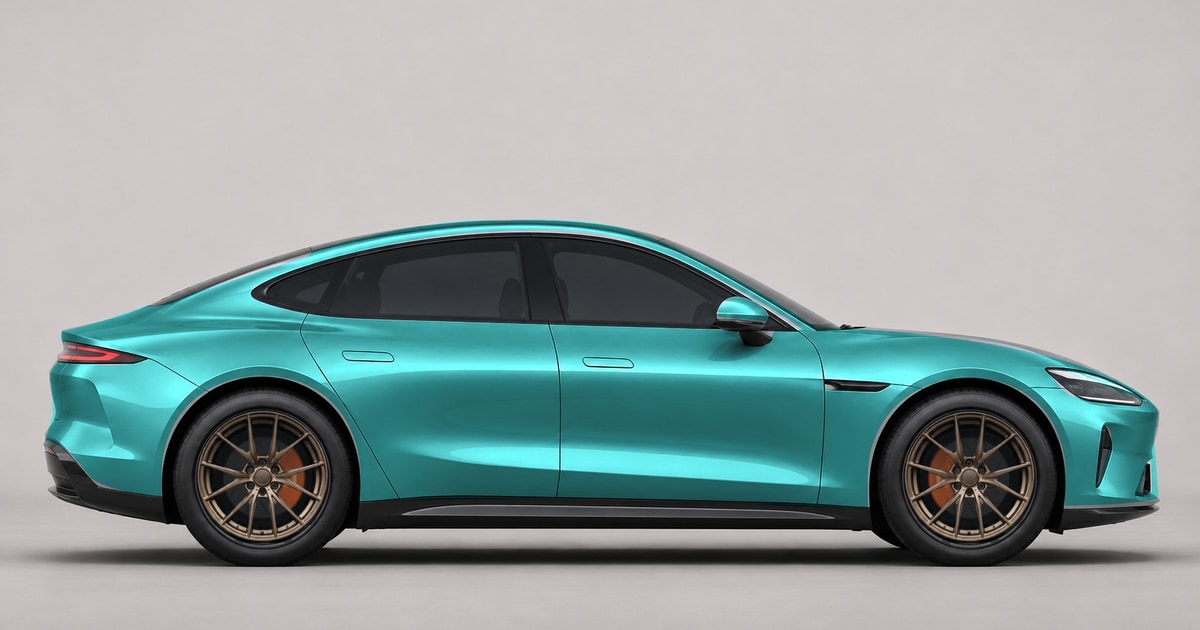
CarRim Studio is a browser-based car paint and vinyl wrap visualizer that recolors your own vehicle photo using local ONNX Web AI recognition—without uploading photos during preview—while preserving clearcoat reflections, metallic depth, and body creases.
What finishes, textures, and graphics can you preview on your own car?
You can test five automotive finish curves, custom hex colors, two-tone gradients, wrap textures, and multi-layer graphics in real time on a single photo.
- 5 paint finish models: Solid, Metallic, Satin, Matte, and Pearlescent with independent gloss, brightness, contrast, and strength controls.
- 12 calibrated paint presets plus any custom hex color and 8 two-tone gradient presets with adjustable direction, midpoint, and transition width.
- 18 built-in textures plus 18 cloud textures across Materials, Art, Geometry, and Camo—or upload your own JPG/PNG/WebP texture in Cover or Tile mode.
- 16 built-in body graphic presets plus custom graphic upload (with optional edge-connected solid background removal), supporting up to 8 layers with color tinting and body-lighting blend.
| Paint / Wrap Capability | Exact Studio Specification |
|---|---|
| Finish Curves | Solid, Metallic, Satin, Matte, Pearlescent (luminance-preserving LUT) |
| Color & Gradient Presets | 12 solid/metallic presets + full hex picker + 8 two-tone gradients |
| Textures | 18 built-in + 18 cloud textures (4 categories) + custom image upload |
| Body Graphics / Liveries | 16 presets + custom import, up to 8 layers with tint & lighting blend |
| Masking & Privacy | Local ONNX Web segmentation (1024px RGB guided filter) + Magic Wand & soft brush |
In summary, CarRim Studio covers solid repaints, satin/matte vinyl wraps, textured films, and layered graphics in one live browser canvas without flattening real-world highlights.
Does CarRim upload your car photo during paint recognition and preview?
No. Body segmentation runs locally inside your browser using ONNX Runtime Web (WASM), so your vehicle photo never leaves your device while you test wrap colors or download free 1080px watermarked previews.
Photos are only uploaded to private Cloudflare R2 storage if you sign in and choose to save a cloud build or run a clean watermark-free 4K export.
Therefore, drivers and wrap shops can test private customer vehicles immediately in the browser before committing to cloud storage or exports.
What are the realistic boundaries of 2D photo wrap visualization?
Because the engine edits a 2D photograph rather than rebuilding a 3D mesh, very glossy mirror caps, tight A-pillars, or strong sky reflections on dark roofs may need quick manual touch-up.
The built-in soft feathered Add Area and Remove Area brushes let you clean trim, glass, and headlights in seconds without jagged cutout edges.
Key takeaway: start with a clean daylight side or 3/4 photo, then spend 15 seconds with the feathered eraser around headlights and badges for installer-ready previews.
Frequently asked questions
Can I preview matte black or pearl white without losing body lines?
Yes. CarRim maps chrominance and finish shoulder curves while preserving original source luminance, keeping creases and reflections visible on extreme dark and white finishes.
How many clean 4K paint previews can I export for free?
Live browser editing and 1080px watermarked previews require no sign-in. Each signed-in account also gets 1 lifetime saved vehicle build and 3 free clean watermark-free 4K exports.
What photo formats and sizes work best for wrap visualization?
JPG, PNG, or WebP photos up to 12 MB with at least 300px on the short side. Clean exports preserve original resolution up to 4096px without artificial upscaling.
Ready to spec your build in full 4K?
Open CarRim Studio