What Would My Car Look Like Lowered?
Start with the gap above one tire, then look at the whole car in profile. A drop that looks dramatic in the close-up can be subtle when you see the car from end to end.
Opens Stance in the studio. Start at Factory height, then try Lowered or Low stance.
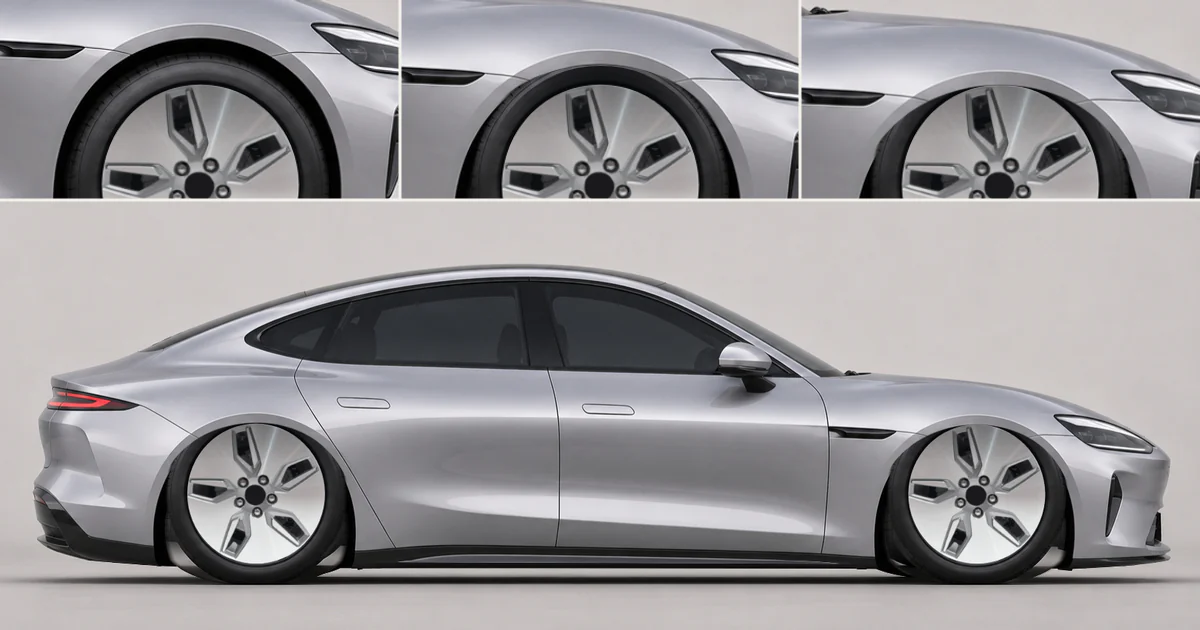
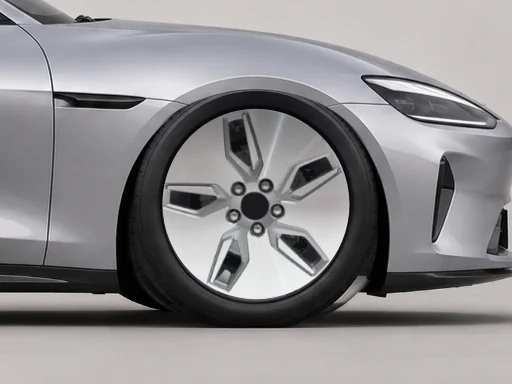
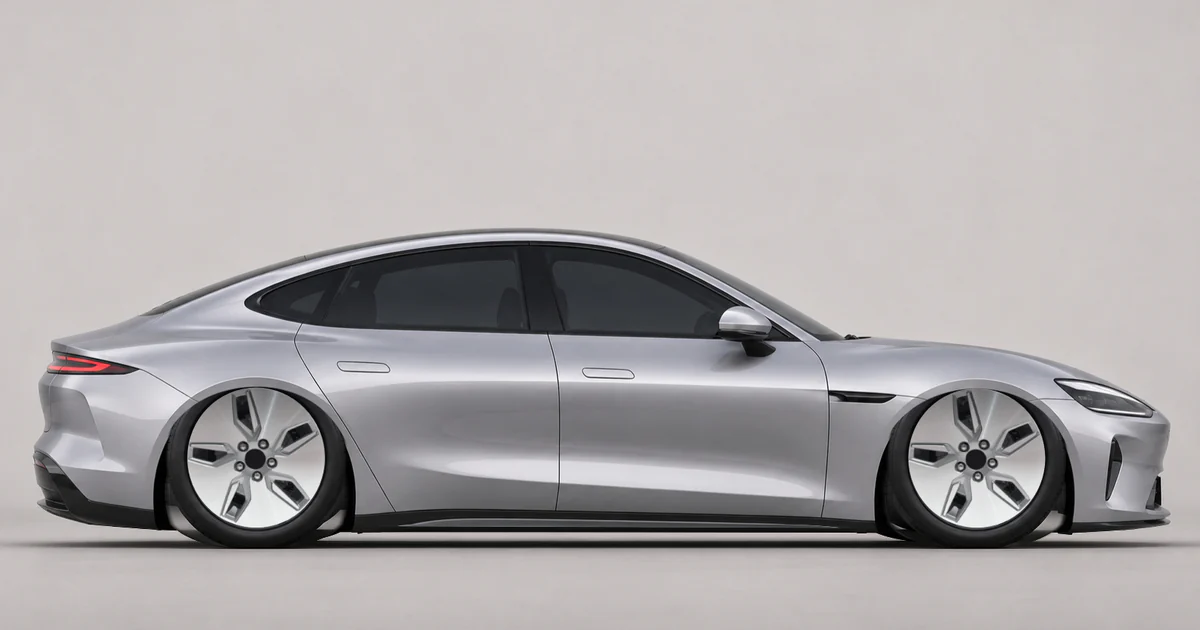
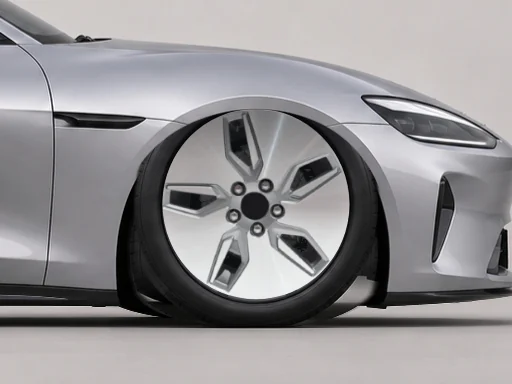
Three ride heights, one wheel arch
These side views show CarRim Studio’s own AI-generated concept car. The tires touch the ground in the same places in every view. Each close-up enlarges the same wheel arch.
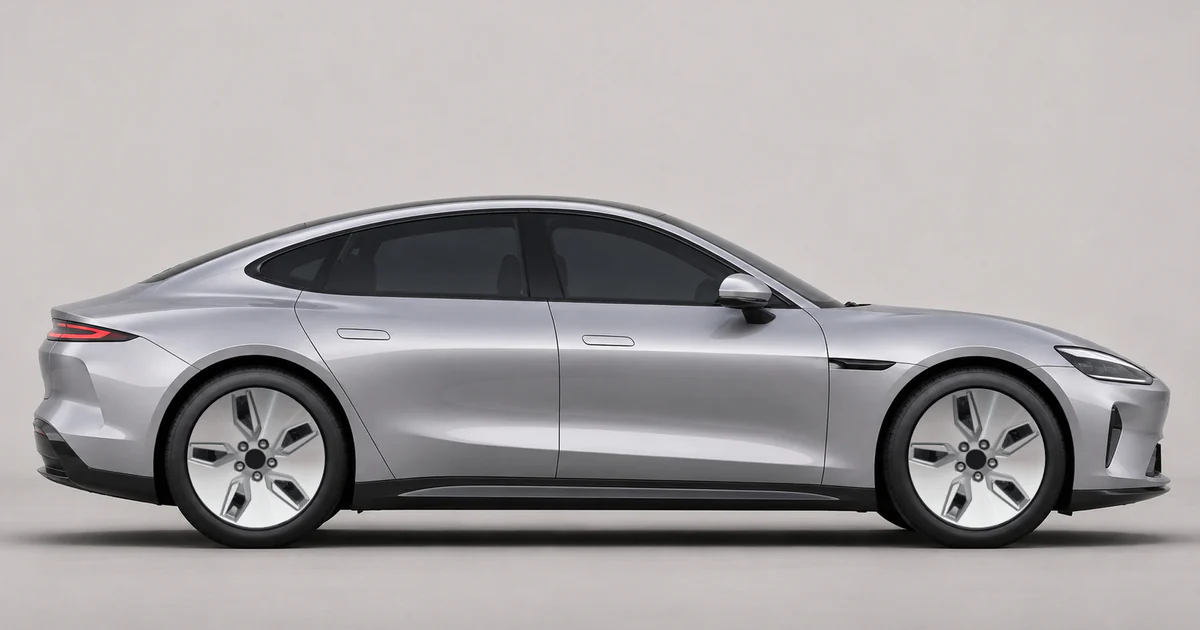
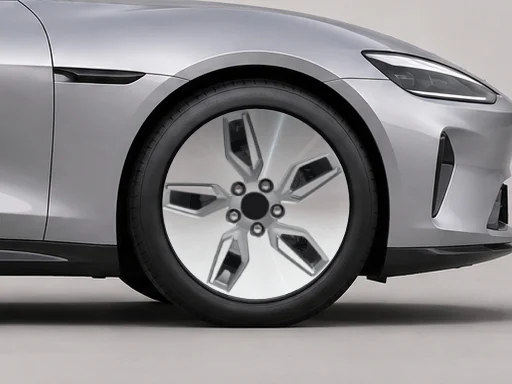
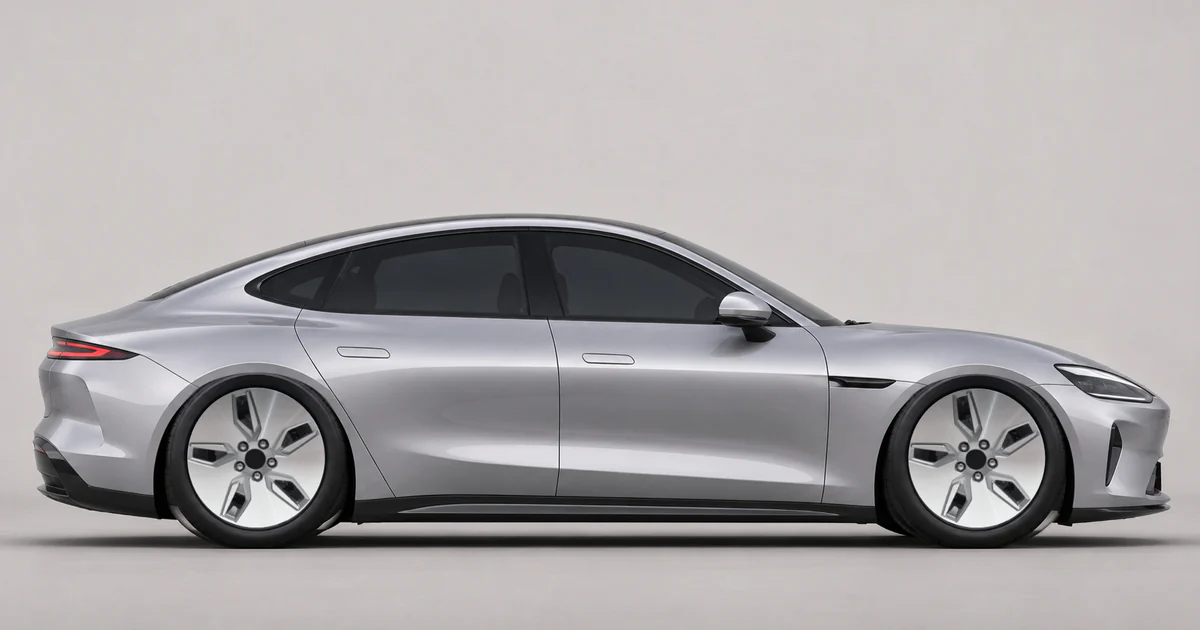
CarRim Engineering Team · Wheel preview and renderingLast updated:
Set a baseline using your own photo
Choose a level side view that shows where both tires meet the road and load it with Upload photo. In Stance, start at Factory height (0%). Watch the same arch as you switch presets, keeping the wheels and tire size fixed.
What does the Ride height percentage mean?
Ride height ranges from −12% to +25%. The percentage is relative to the tire diameter in the photo. Positive values lower the body; negative values raise it. Try Slight lift (−6%) to see the gap open up, or Factory height (0%) to return to the starting point.
Keep the height fixed while comparing wheel colors
If a dark rim seems smaller after lowering, look for its outer edge against the tire. Leave the height and wheel size alone and try a lighter finish to see whether the outline is easier to follow.
What can the arch close-up show?
The crop shows the space above the tire. To see how much caliper shows through the spokes, keep this height and open Wheels → Brakes. Neither view measures the space between real parts.
| In the photo | On the car |
|---|---|
| The arch looks close to the tire | Check clearance with the steering turned and the suspension compressed. |
| The front bumper looks low | Measure clearance and check the approach to your usual ramps and driveways. |
Save the side view you prefer as a reference for your installer, then confirm the actual suspension and wheel specifications together.
Frequently asked questions
What if the car in my photo is already lowered?
Factory height (0%) removes the preview adjustment. Your starting point is the height in the photo, even if the car was already on lowering springs.
Can I use the preview to choose a spring drop or check for rubbing?
A photo cannot predict an actual drop in inches or millimeters, ground clearance, or whether a tire will rub on a turn or bump. Have an installer check the wheel and tire fitment and suspension travel on the car.
Opens Stance in the studio. Start at Factory height, then try Lowered or Low stance.
Try a lower stance on my car